Home / Snippets / Responsive Two-Column Login Form with Password Toggle (Bootstrap 5.3)
Responsive Two-Column Login Form with Password Toggle (Bootstrap 5.3)

Responsive Two-Column Login Form with Password Toggle (Bootstrap 5.3)

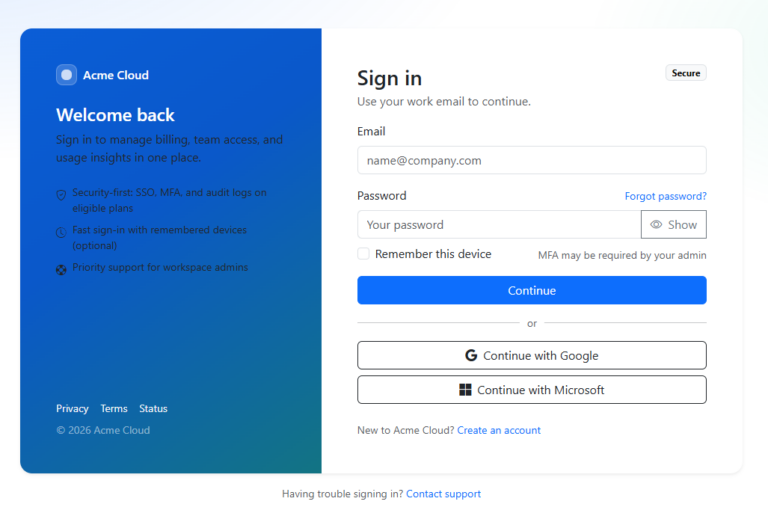
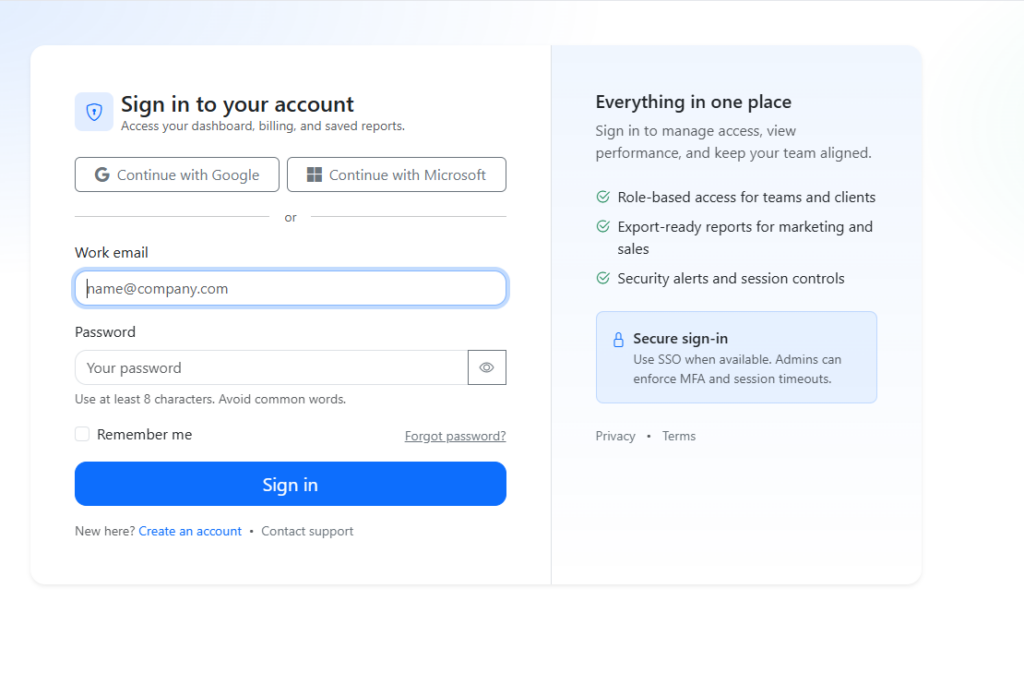
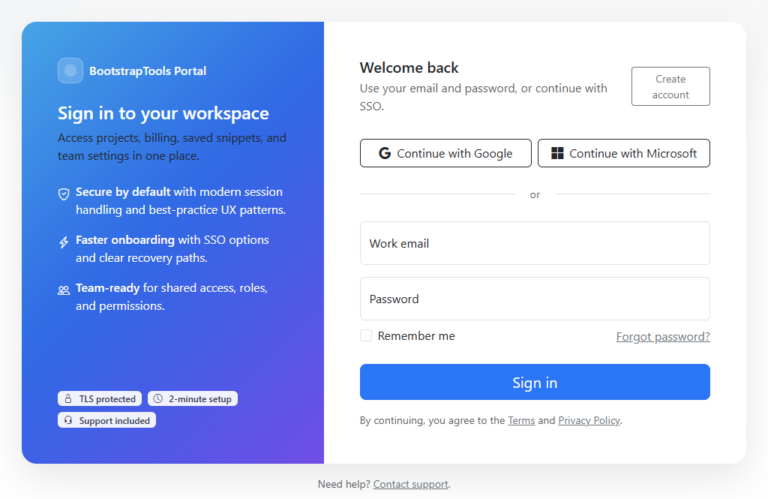
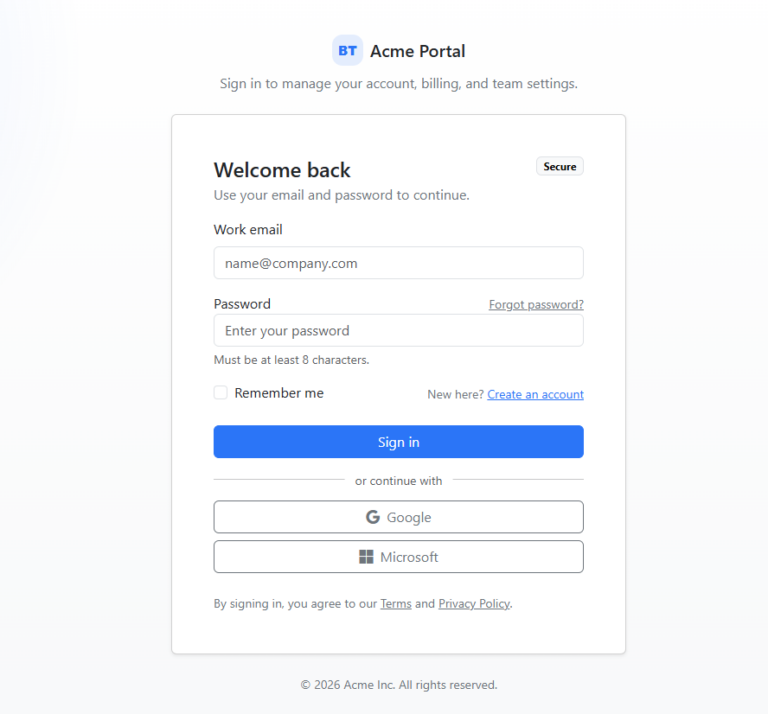
A clean, conversion-friendly login layout with a value prop panel, social sign-in buttons, and an accessible show/hide password toggle. Built for Bootstrap 5.3 and designed to drop into real apps and marketing portals.
Bootstrap 5.3.3
Downloads 0
Category Login Forms
Updated apr. 13, 2026
Includes clean code fields for HTML, CSS, and optional JavaScript / jQuery.
Description

This portal-quality login form uses a responsive two-column card: the left side focuses on quick sign-in (email + password, remember me, and optional SSO), while the right side reinforces trust with a concise value proposition and support links. It includes an accessible password visibility toggle and small UX touches (autofocus, helpful microcopy, and clear actions) that work well for SaaS dashboards, customer portals, and campaign landing flows.

Included files

index.html style.css script.js Bootstrap CDN Bootstrap Icons

Similar snippets